
 custom-array-adapter okhttp alert-dialog
Custom Array Adapter

In Android development, any time we want to show a vertical list of scrollable items we will use a ListView which has data populated using an Adapter. The simplest adapter to use is called an ArrayAdapter because the adapter converts an ArrayList of objects into View items loaded into the ListView container.
The ArrayAdapter fits in between an ArrayList (data source) and the ListView (visual representation) and configures two aspects:
- Which array to use as the data source for the list
- How to convert any given item in the array into a corresponding View object
Note as shown above that there are other data sources besides an ArrayAdapter such as the CursorAdapter which instead binds directly to a result set from a Local SQLite Database.
Custom ArrayAdapter – nice tutorial
Drawable Resource

A drawable resource is a general concept for a graphic that can be drawn to the screen and which you can retrieve with APIs such as getDrawable(int) or apply to another XML resource with attributes such as android:drawable and android:icon. There are several different types of drawables:
- Bitmap File
- A bitmap graphic file (.png, .jpg, or .gif). Creates a BitmapDrawable.
- Nine-Patch File
- A PNG file with stretchable regions to allow image resizing based on content (.9.png). Creates a NinePatchDrawable.
Alert Dialog
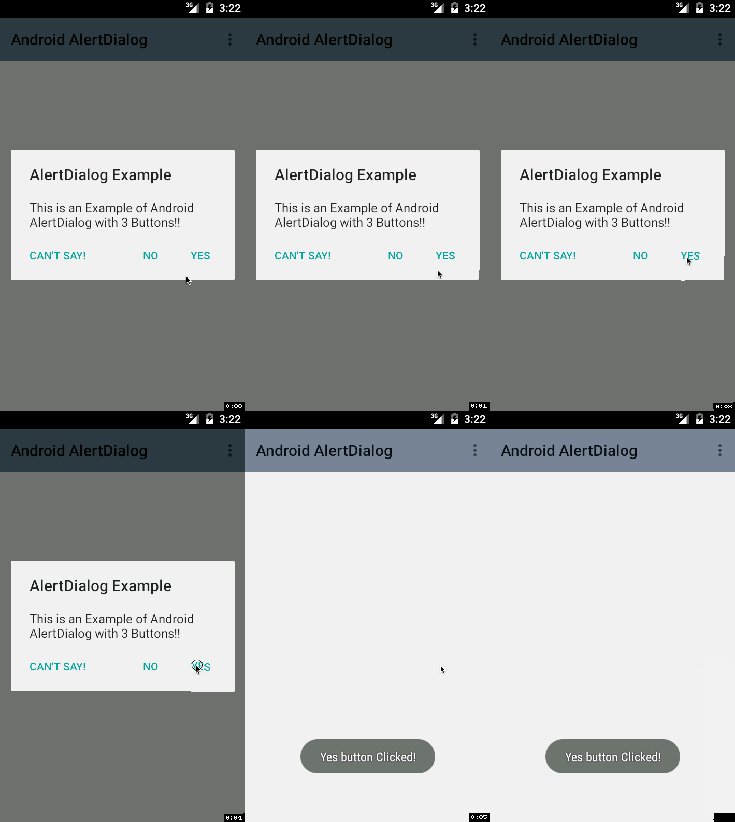
A subclass of Dialog that can display one, two or three buttons. If you only want to display a String in this dialog box, use the setMessage() method. If you want to display a more complex view, look up the FrameLayout called “custom” and add your view to it
OkHttp
OkHttp is an HTTP client that’s efficient by default:
- HTTP/2 support allows all requests to the same host to share a socket.
- Connection pooling reduces request latency (if HTTP/2 isn’t available).
- Transparent GZIP shrinks download sizes.
- Response caching avoids the network completely for repeat requests.
OkHttp perseveres when the network is troublesome: it will silently recover from common connection problems. If your service has multiple IP addresses OkHttp will attempt alternate addresses if the first connect fails. This is necessary for IPv4+IPv6 and services hosted in redundant data centers. OkHttp supports modern TLS features (TLS 1.3, ALPN, certificate pinning). It can be configured to fall back for broad connectivity.
Using OkHttp is easy. Its request/response API is designed with fluent builders and immutability. It supports both synchronous blocking calls and async calls with callbacks.
runOnUiThread
Runs the specified action on the UI thread. If the current thread is the UI thread, then the action is executed immediately. If the current thread is not the UI thread, the action is posted to the event queue of the UI thread.
Links:
 .NET Experts